Components
Reuse a branch as a linked, editable part
A component turns a branch of your SDF scene into a reusable, parameterized part. It is stored once as a definition; every place you use it is a lightweight instance that points back to that one definition. Edit the definition and every instance updates — the "change one, change all" you expect from CAD blocks or engine prefabs.
A component has a lifecycle: Nest creates it live and editable, and Finalize seals it into a single primitive when the design is done. One concept, from live to sealed — reach for Nest while the design is still moving, and finalize it when the part is finished.
Nest: make a component
- Right-click a branch (or select several items) in the scene tree.
- Choose Nest. Several selected items are combined into one component (unioned).
- The branch collapses to a single row with a chevron, and the component appears in the Things finder, ready to place again.
Nest also gives the component its own component parameters. Every scene variable the branch reads is copied into the component, with its unit, range and description; a scene variable that is itself a formula brings the names it reads, until only plain values remain. The new instance is linked to the scene variables it was copied from, so the scene looks exactly the same after Nest.
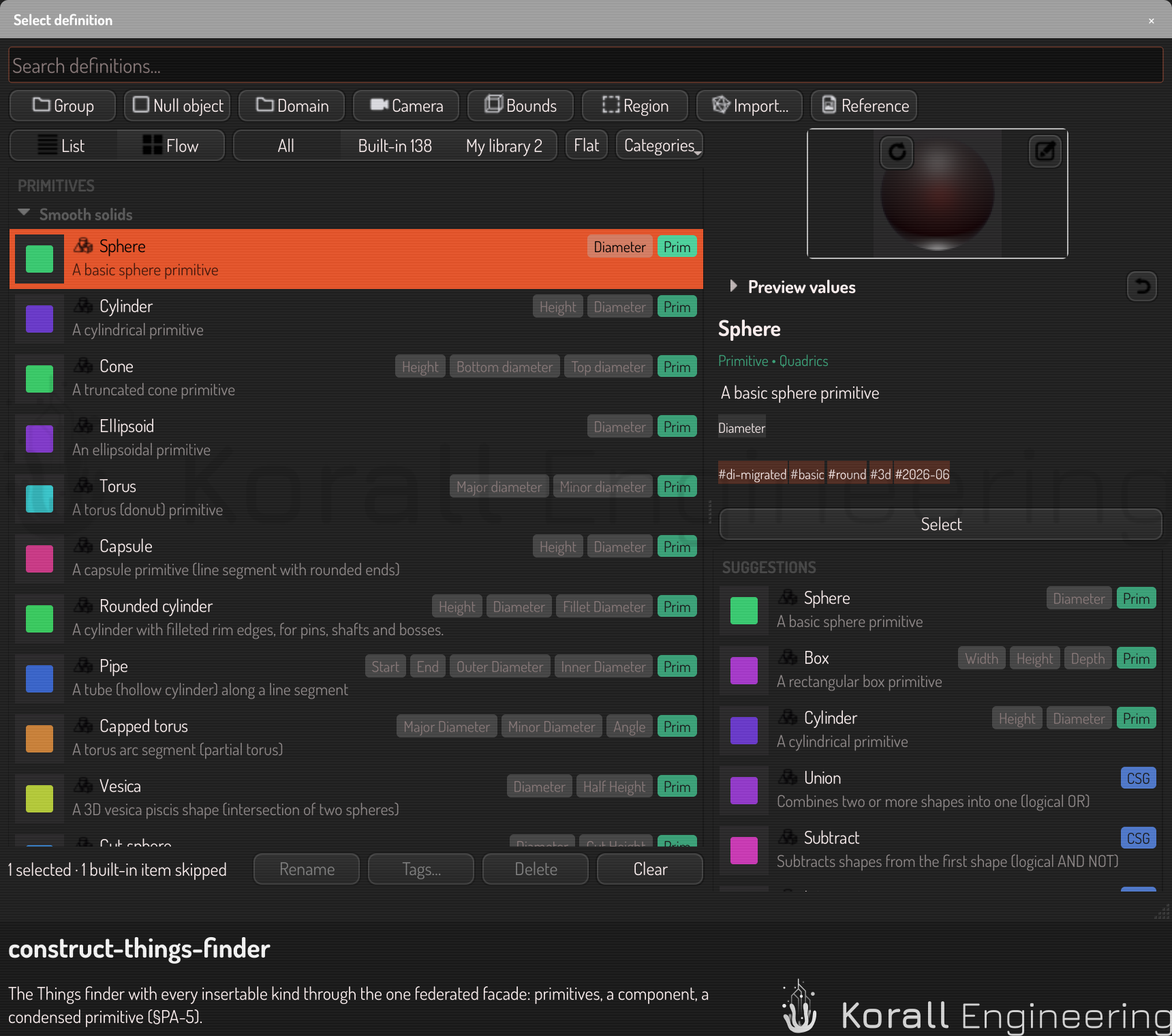
Nesting is one undo step. The original layout is preserved — nesting reorganizes, it does not destroy.
Instances and editing
Each placement is an instance with its own position, rotation, and scale — open the instance's row and use the TRS block to place it, exactly like any other item. Editing the definition updates all instances at once. To detach a single instance back into an independent, editable branch, right-click it and choose Unnest — the other instances keep the component. To dissolve the component entirely so every instance becomes a plain branch again, choose Explode; that removes the definition.
Component parameters and links
A component has its own namespace: its component parameters. The parts inside a component read only those, never the scene, so a component always means the same thing wherever it is placed. Open the component editor ("Edit component…") to see them: name, value, unit, range, description, and "copied from scene variable" for the ones Nest captured. A parameter with a formula, such as scallop_d = rim_d / 2, is derived: it computes inside every instance from that instance's values. Add, remove and edit parameters there too.
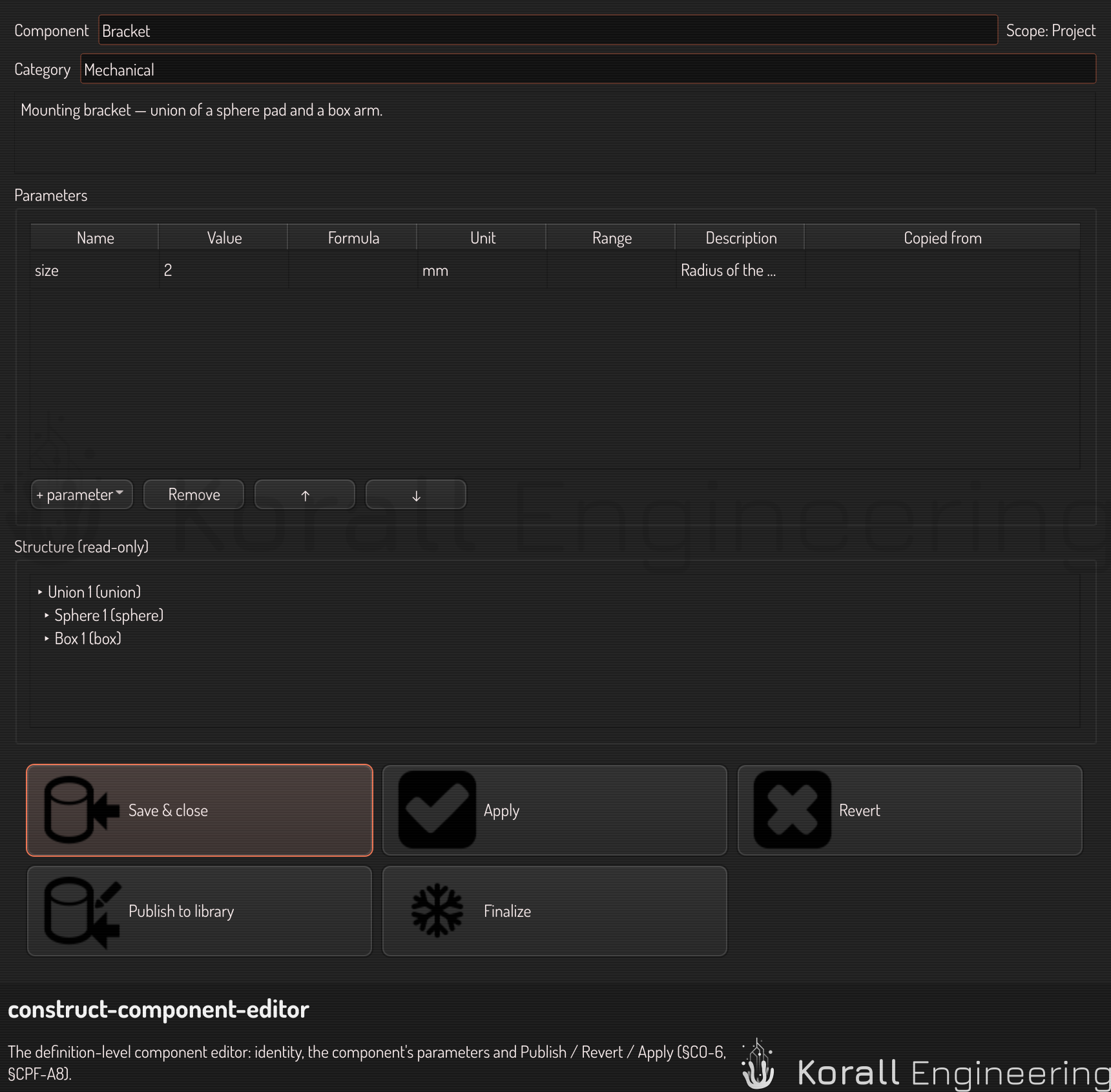
Each instance decides, per parameter, where the value comes from. The marker on each parameter row in the scene browser shows it:
- Linked to a scene variable: the instance follows it. Change the scene variable and every linked instance moves.
- Set on this instance: its own value, or an expression over the scene. Editing a linked value makes it set, on this instance only; the scene variable does not change.
- Default: the component's own value.
Click the marker to unlink a linked value (it keeps the value it had) or to link a set one back to the scene variable it was copied from. Each change is one undo step. A derived parameter can be set, never linked.
When a scene variable that instances link to is deleted, or its type changes, the link breaks: the instance uses the component's value, its row shows a warning, and the scene error list names the instance and the parameter. The varset panel shows "linked by N instances" beside a linked variable, and deleting it asks first. Renaming a scene variable updates every link to it. A value outside the component's range is held to the range, with a warning.
Finalize: seal a component
When a part is finished, Finalize seals it: the whole component becomes one self-contained primitive with the same name, in the primitive list. The component parameters without a formula stay live as the primitive's parameters — every instance can still be tuned through them, and keeps the values it used when you finalized. Derived parameters compute inside the primitive. Every other value bakes in as a constant. A finalized instance no longer follows scene variables: its links end with the component.
The primitive packs its parameters into 8 values. A number takes one, a vector takes three, a color takes four. Finalize refuses a component whose parameters do not fit, naming each parameter and its width.
- Click Finalize on the component's row (or in the component editor, where the interface is curated).
- A confirm dialog names the parameters that stay live and the values that bake.
- On confirm, every instance keeps its place, its transform, and its overrides — only the tree structure inside the component is gone.
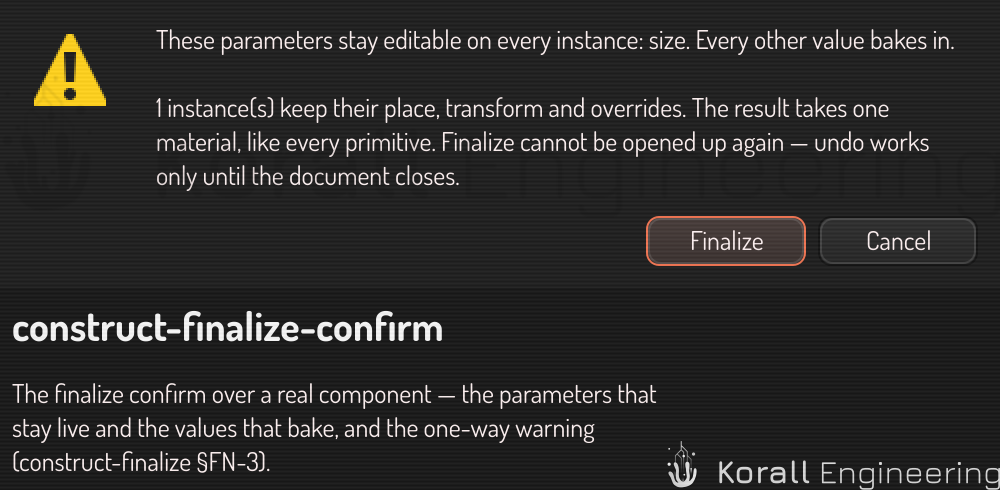
Finalize is permanent by design — that is its point, not a limitation:
- Protection. A sealed primitive cannot be opened up and disassembled. Share a part without shipping its editable internals.
- Speed. Baked constants let the shader compiler fold and simplify the field in ways a live tree prevents. The live parameters keep exactly the flexibility the component declares, at exactly that cost.
Construct also seals live components on its own while you work, for speed, and you never see it: the scene renders the same either way, and nothing is saved. A component that animates (reads time), uses more than one material, or has more than eight values of parameters simply stays live.
Undo reverses a finalize like any edit — but only while the document's undo history lasts. After that, the seal is permanent. A sealed primitive takes one material, like every primitive; if per-part materials matter, keep the component live.
Project and library components
Nest creates a project component, embedded in the .construct file — it travels with your scene. Publishing promotes it to a library component in your user configuration, shared across projects. The Things finder lists every component under Components, and a library component carries the chip Library. A scene never depends on the library at load: placing a library component copies it into the document, so opening a project on another machine never misses a part.
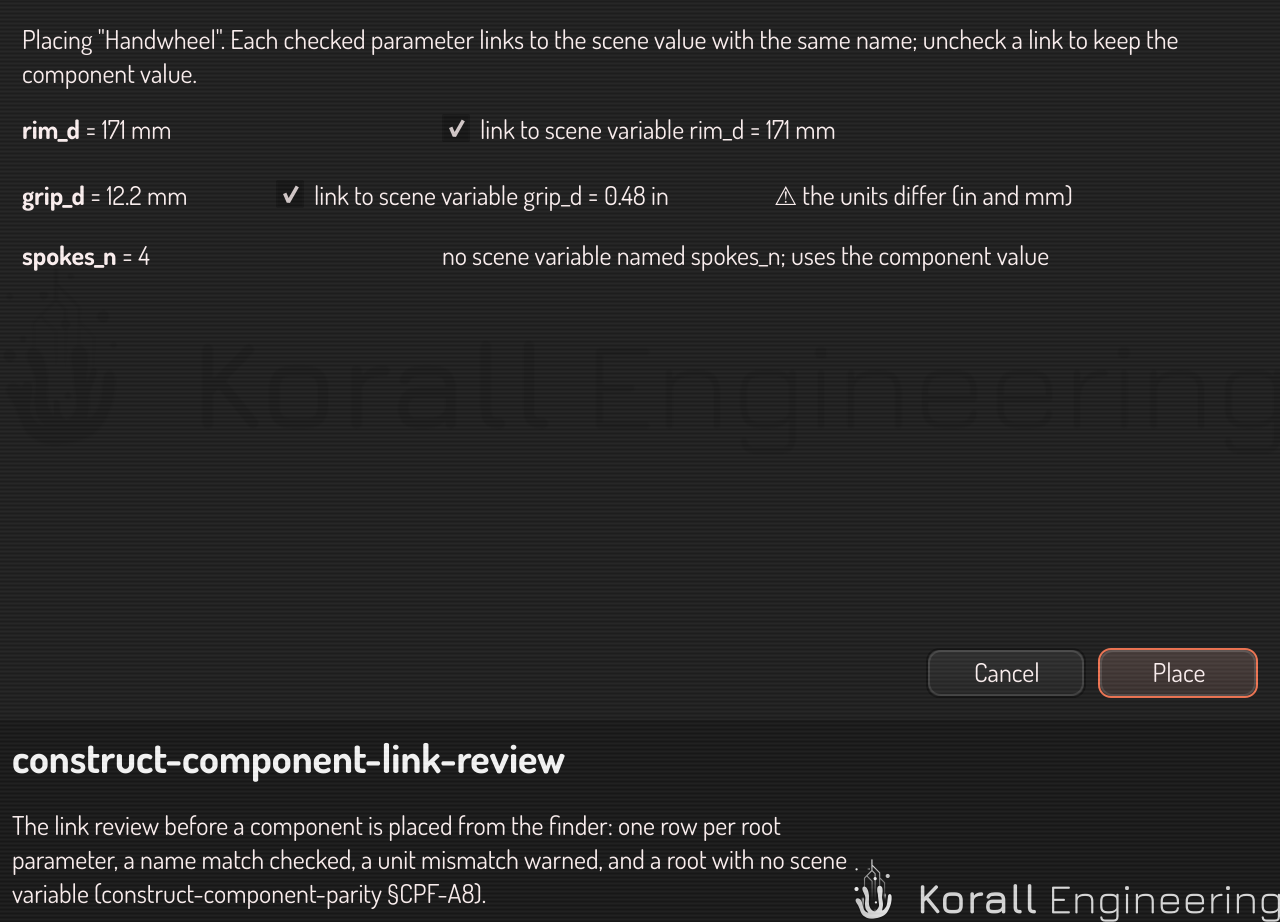
Placing any component from the finder opens a short link review first. It lists every component parameter, proposes a link to the scene variable with the same name, and warns when the type or the unit differs. Uncheck the links you do not want, then Place; Cancel places nothing. Nothing is ever linked without you seeing it.
Files from before component parameters existed (with an interface block) are not opened: re-create the component with Nest.