Work with several scenes at once
Construct can hold more than one scene open. Each is a tab. You might keep a hull and the engine that goes in it side by side, and switch between them without closing either.
Open a second scene
Open a scene the usual way while one is already open, or start a new one. It opens in a tab of its own, and a row of tabs appears across the top of the viewport with one tab per scene.
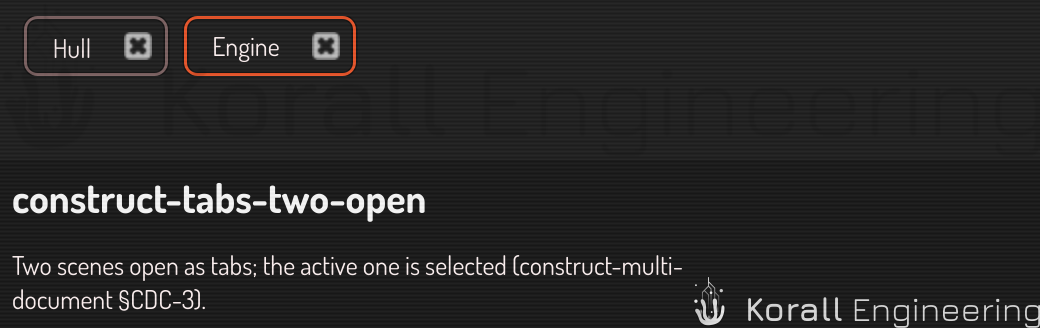
A few things behave the way you would hope rather than the way a literal reading suggests:
- The first file you open replaces the empty scene. Construct starts with an empty, untitled scene. Opening a file while that scene is still empty and untouched puts the file in its place instead of beside it, so starting Construct and opening a file looks exactly as it always did. New always opens a tab, empty scene or not.
- Opening a file that is already open switches to its tab. You never get two copies of one file.
- Opening the file of the scene you are looking at reloads it. If it has unsaved changes, Construct asks first, as it always has.
The tab bar is hidden when only one scene is open, so a single-scene session looks exactly as it always did.
A tab shows the scene's name — the file's name, once it has been saved to one — and a dot after it when the scene has unsaved changes. Hover a tab to see its file path.

New, and emptying the scene you are in
New makes a new scene in a new tab, every time. It never disturbs what you already have open.
To empty the scene you are working in — keeping its tab and its file — right click the scene's root row in the scene tree and choose Clear scene. Construct asks first if there is unsaved work. The next save writes the same file it would have before.
Switch between scenes
Click a tab. The viewport, the scene tree, the parameter panels and the error list all change to that scene.
Drag a tab to re-order. Click the × on a tab to close that scene. Closing a scene with unsaved changes asks first, and names that scene: the question is only ever about the tab you are closing.
Closing the last tab leaves a fresh, empty scene rather than an empty window.
Closing Construct itself asks about every scene with unsaved changes, one at a time, by name. Cancel at any of them and nothing closes.
What belongs to each scene, and what is shared
This is the part worth reading, because the split is not arbitrary and it decides what a change affects.
Per scene. Each tab has its own:
- Undo history. Undo in one scene never reaches into another. If you undo four times in the hull, the engine is exactly where you left it.
- Errors. The error list shows the scene you are looking at. A scene in a background tab keeps its own, and they are there when you switch back.
- Selection and camera. Switching tabs returns you to the view you left.
- Scene settings. The scene tier of the settings cascade.
- Custom definitions. A primitive a scene carries in its own file belongs
to that scene. Two scenes can both define
bladeand mean different shapes. - Project materials — the materials a scene carries in its own file.
- Components made in that scene.
Shared across all scenes. Because these are the same for every scene by definition:
- Built-in primitives and anything in your user library. A box is a box in every scene.
- The material library — the materials you keep for use in any scene.
- Application settings — preferences, the app tier of the cascade.
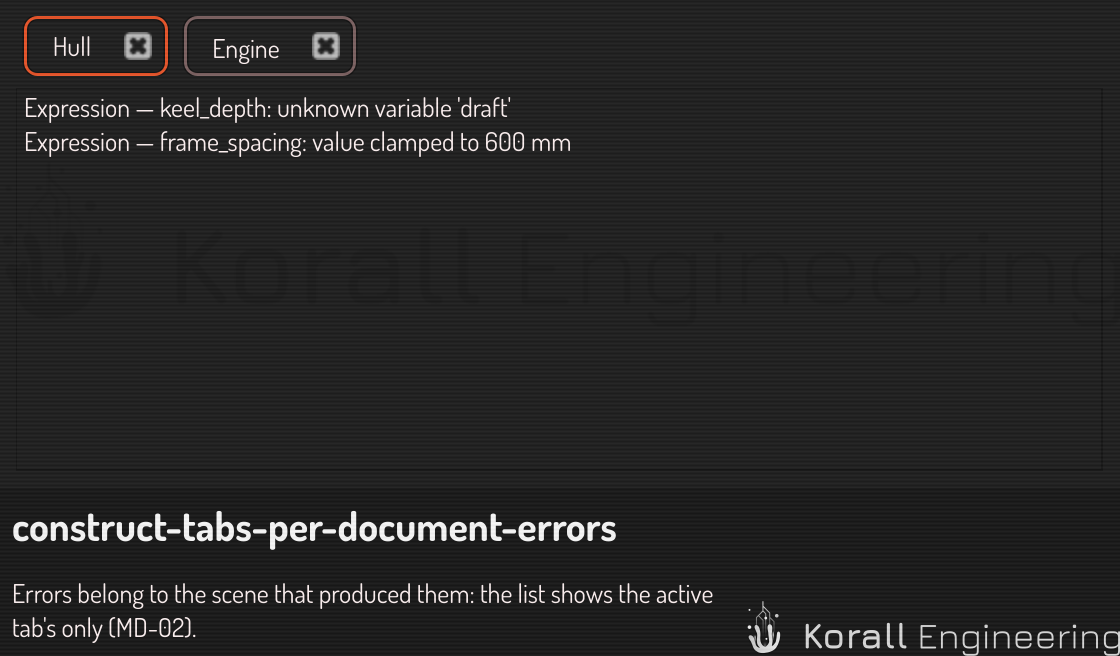
Closing a scene discards its errors
When you close a scene, its errors go with it.
This is a change, and it is a fix. Errors used to outlive the scene that produced them, so after closing a broken scene the next one you opened still listed the closed scene's errors in its count. There was no way to clear them short of restarting.
The same is true of a scene's shader build reports and its undo history. They belong to the scene, so they end with it.
A background tab stops rendering
Only the scene you are looking at renders. When you switch away, that scene releases its graphics memory and keeps its data — the model, the undo history and the errors all stay exactly as they are.
Switching back re-initializes it. You will see it come up.
This is deliberate. Ten open scenes would otherwise hold ten times the graphics memory, and most of it for scenes nobody is looking at. The data is small; the render targets are not.
If an assistant is editing for you
An agent working on a scene pins it first, so that you clicking another tab does not move where its next edit lands. If you switch tabs while an agent is mid-edit, it keeps working on the scene it pinned — which is almost always what you want, and is why its progress messages name the scene each step touched.