One-click export with named volumes
Once a bounding volume frames a region, exporting that region becomes a single click — and a scene with several named volumes becomes several export targets, each with its own output file and its own settings.
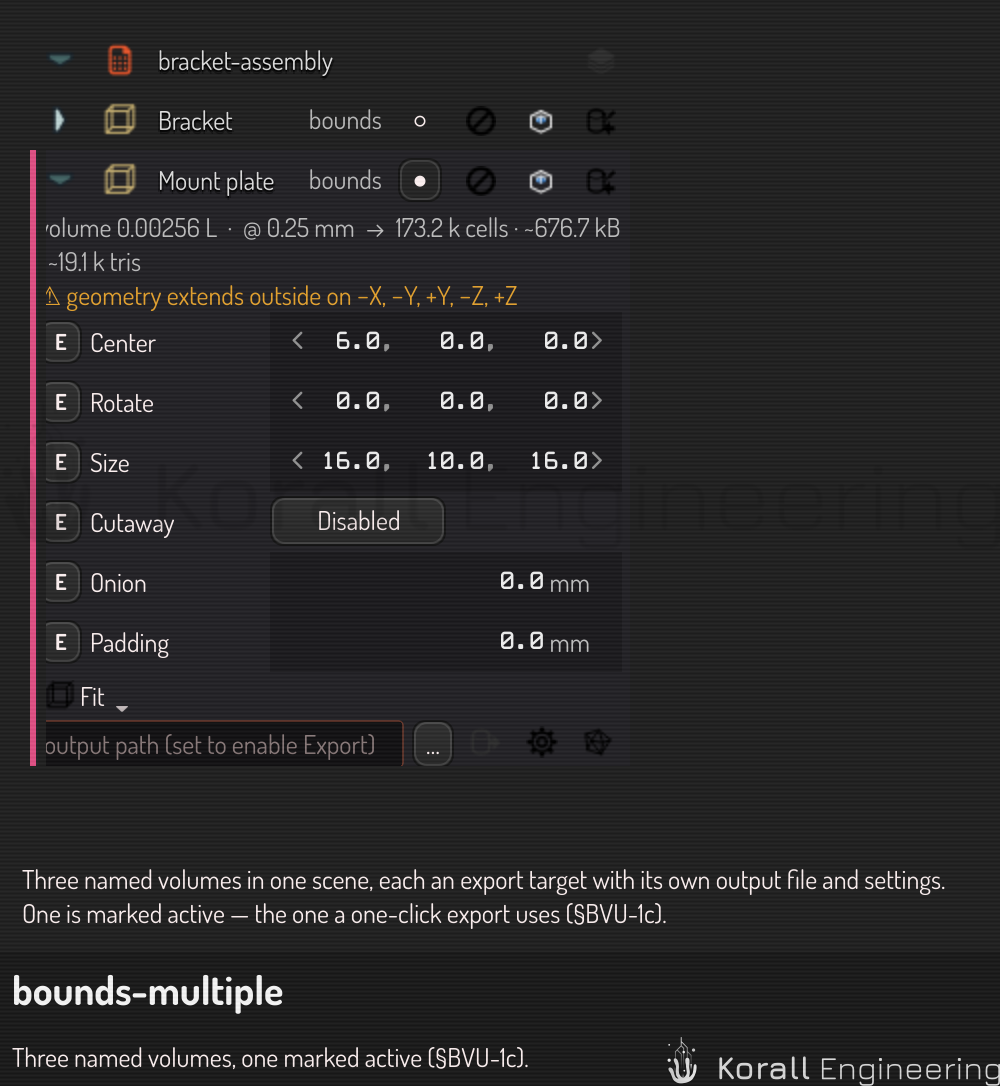
Set up a volume for export
On the volume's panel row:
- Name the volume something meaningful —
bed,left-bracket,lattice-sample. Names are how the command line and automation refer to volumes, so make them unique. - Check the output path. A new volume's path is pre-filled: beside the
scene file when the scene is saved, else in your base folder
(Base folder in the This machine category of the settings page,
Desktop/Constructby default). Change it with the path field or the file-picker button. The extension picks the format:.stl,.obj,.ply,.vtk. An empty path disables the Export button — that is the rule, not an error state. - Optionally open Export settings to adjust resolution, extractor, or finish for this volume. Each volume stores its own configuration; five volumes are five independent setups.
Export
Click the row's Export button. No dialog opens: the volume's region is meshed with its stored settings and written to its stored path, and progress appears in the Jobs panel. When the file exists, an open button appears on the row — click it to view the result; the button doubling as the answer to "did that write anything?".
Export All, on the scene-root row, runs every volume that has an output path — several parts of one scene to several files, one click total.
What exactly gets exported
The region is the volume's box — including its rotation. The mesh is cut flat at the box faces: where the box slices through the model you get a clean planar face, not a ragged edge. A rotated volume cuts along its true tilted faces.
By default the mesh keeps scene coordinates — it lands where the model sits in the scene. Check Box-local frame in the export settings' Output section to write the file in the volume's own frame instead: origin at the box center, axes along the box. That is what you want when the volume represents a printer's build volume or a fixture.
The same thing, headless
Everything above works without the GUI, which is what makes named volumes a batch workflow:
construct bounds list model.construct            # discover the names
construct export model.construct --bounds-name bed -o bed.stl
An unmatched name is a hard error listing the scene's volume names — a batch
job never silently meshes the wrong region. See the
CLI reference for the full flag set, and
the agent prompting guide for the
construct.bounds.* automation tasks.
Where the evaluator setting went
Which evaluator runs the export — Native, GPU, or the interpreter — is a property of your machine, not of a scene or a volume, so it is not in the export dialog anymore. Set it once under This machine on the settings page (Ctrl+,); the dialog shows the current choice read-only.